Every operation that maintains physical things, ships, buildings, plants, fleets, sites, has defects: the crack someone noticed, the pump that vibrates, the valve that seeps. And almost every operation tracks them the same way, which is to say badly: an Excel sheet on one person's laptop and a WhatsApp thread where reports go to be forgotten. This guide covers everything we have learned about building the fix, in enough detail that you could brief a development team with it, whether that team is ours or not.
- A defect management system is one trusted register plus a lifecycle: reported, approved, assigned, fixed, verified, closed.
- The data model is small: a defect, its evidence, its history, and its people. Getting it right early is what keeps the system simple.
- Capture must be easier than WhatsApp or people will keep using WhatsApp. Voice input and photos are how you win.
- An approval step between "reported" and "in the register" is what keeps the register authoritative.
- A focused build takes 4 to 8 weeks. The expensive mistakes are all avoidable and listed at the end.
What a defect management system actually is
Strip away the vendor language and a defect management system does four jobs. It captures problems the moment someone notices them, with enough evidence to act on. It routes each problem to the person who should decide about it. It tracks the problem through a lifecycle until someone has verified the fix. And it reports, so that anyone from a site supervisor to a company director can see the true state of the operation without asking anybody.
Everything else, dashboards, severity charts, AI search, mobile apps, exists to serve those four jobs. If a feature does not help capture, route, track, or report, it is decoration.
Why the spreadsheet version always fails
It is worth being precise about why the Excel-and-WhatsApp approach breaks, because each failure points at a requirement for the replacement.
- No single source of truth. Copies of the sheet drift apart on different laptops. Requirement: one shared system, one record per defect.
- Reports die in chat. A message scrolls away; nothing guarantees it becomes a record. Requirement: capture that is as fast as sending the message.
- No ownership. A row in a sheet is not assigned to anyone; nothing nags. Requirement: every defect has an owner and the system does the chasing.
- No history. When a cell is overwritten, yesterday's truth is gone. Requirement: an append-only history of every change.
- Reporting is manual. Someone spends an afternoon reconciling versions. Requirement: reports are a view of live data, not a document someone assembles.
The data model: get this right and everything else is easy
The heart of the system is smaller than people expect. You need four things: the defect itself, its evidence, its history, and its people. Here is the anatomy of a defect record that has survived contact with a real fleet:
Two design rules matter more than any field list. First, history is append-only: you never update a defect in place without recording what changed, who changed it, and when. This is what makes the register defensible in an audit and trustworthy in an argument. Second, severity and status are separate fields. Severity is how bad the problem is; status is where it sits in the process. Teams that merge them ("urgent!!" in a status column) lose the ability to answer either question.
The lifecycle: six states, one gate
Every defect management system is a state machine underneath. This is the lifecycle we recommend, and the reasoning for its one controversial feature:
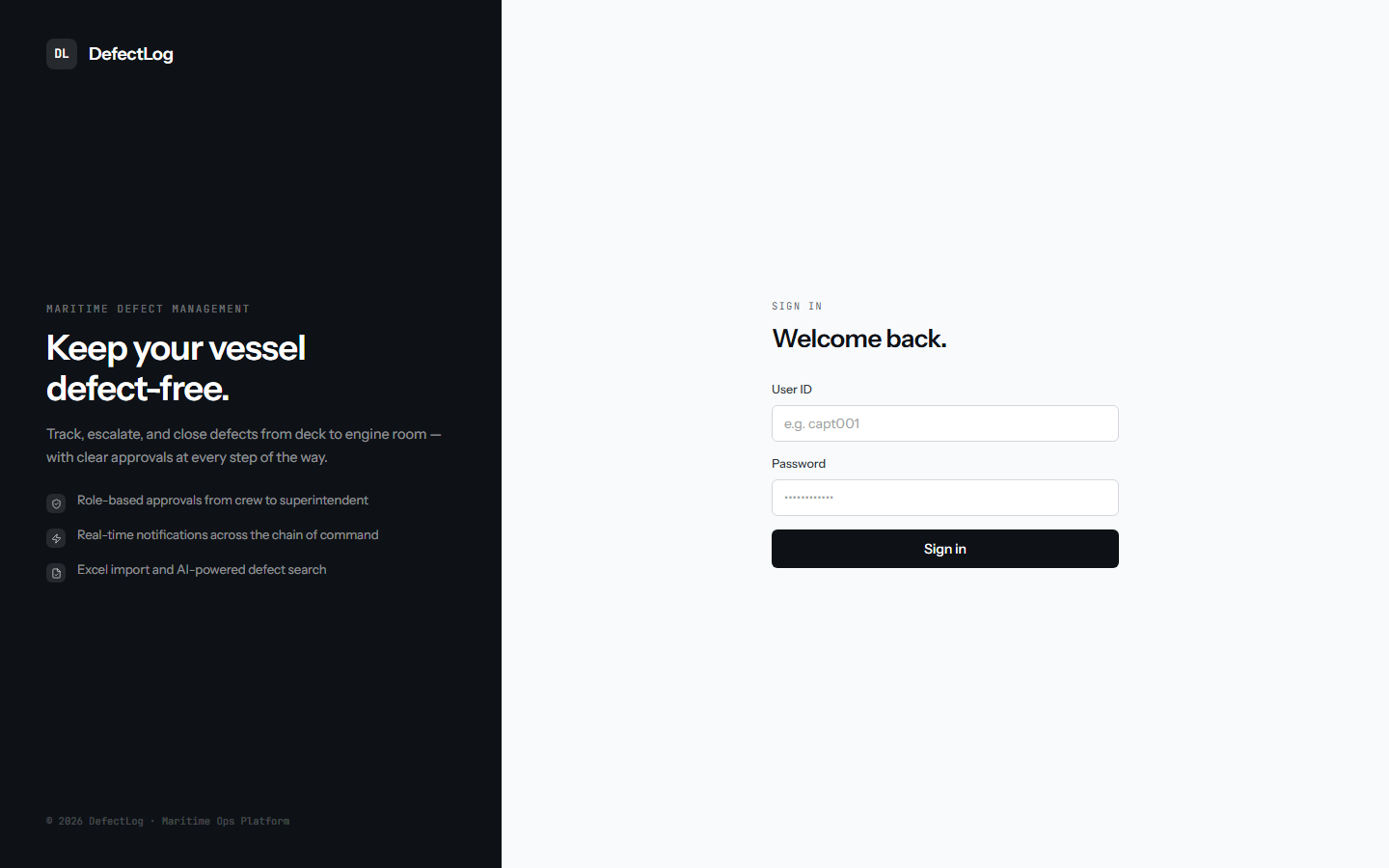
The controversial feature is the approval gate. Some teams want every report to enter the register immediately. Resist this. Without a review step, the register fills with duplicates, non-defects, and vague one-liners, and within months managers stop trusting it, which is precisely the disease you were curing. In the system we built for LNG carrier operations, crew reports flow to a superintendent for approval, and only approved defects enter the official register. Crucially, a rejection is not a deletion: it returns to the reporter with a reason, so people learn what a good report looks like and never feel their reports vanish into silence.
Also insist on the difference between fixed and verified. The person who fixed something does not get to close it; someone else confirms the fix, ideally with a photo. Every mature maintenance regime has this rule, and every immature one learns it the expensive way.
Roles: mirror the real chain of command
Role design is where software either matches the organisation or fights it. The pattern that works is three tiers, whatever you name them: reporters (anyone in the field can raise a defect and see their own reports), reviewers (a superintendent or supervisor approves reports, sets severity, and assigns owners), and viewers with breadth (office and management see everything across all sites or vessels, usually read-mostly). Do not invent an org chart in software that does not exist in reality; if the ship has one chain of command, the system should have the same one.
Capture: the make-or-break feature
Your system competes with WhatsApp. If logging a defect takes longer than describing it in a message, people will send the message.
This is the hill the whole project lives or dies on. The people who notice defects are on a deck, in an engine room, on a ladder, wearing gloves. A long web form designed at a desk will lose to a voice note every single time. What wins:
- Voice-first input. The reporter describes the defect out loud; transcription fills the title, description, and location. Modern speech-to-text plus a small language model makes this reliable, and it turns a two-minute form into a twenty-second act.
- Photos as first-class evidence. Two taps from the report screen. A photo at report time and a photo at verification tell the whole story.
- Sane defaults. Reporter, date, and vessel or site are known from the login; never ask for what you already know.
- Tolerance for bad connectivity. Ships, basements, and remote sites have terrible networks. Build as an installable web app that keeps working through dropouts and syncs when the connection returns.
The register and reporting: where management lives
The register is one filterable table of every approved defect: ID, title, department, location, date, owner, status, severity. Click a row and the full history and discussion unfold. Above it sits the dashboard that answers the questions management actually asks: how many defects are open, how many are critical, which vessel or site has the most, what is the trend. If your dashboard answers those four, it is finished; resist the urge to add charts nobody asked for.
The report that used to take an afternoon becomes a filter plus an export button. That single change is usually the headline benefit when the system lands, because it returns visible hours to a named person every week.
Notifications: the system does the chasing
A defect register nobody looks at is a spreadsheet with better fonts. The system must push: the reviewer hears when a report needs approval, the assignee hears when they get an owner-ship, the reporter hears when their defect is approved or fixed, and management hears when something critical is raised. Route by role and severity, not to everyone; a system that notifies everybody about everything trains everybody to ignore it.
Build or buy?
Honest answer: generic issue trackers (Jira and its cousins) technically can do this and usually fail in the field, because they are built for desk workers and every screen shows forty things a deck engineer does not need. Industry CMMS platforms are closer but bring per-user licence pricing that hurts when your users are whole crews, and their capture UX is rarely voice-first or gracious about connectivity. A focused custom build wins when your workflow has real structure (approval chains, vessel hierarchies, verification rules) and your users are in the field. Our general test for this decision is in custom vs off-the-shelf.
What it costs and how long it takes
A focused defect management system, capture, approval, register, dashboard, notifications, user roles, data import, is a 4 to 8 week build for a small senior team. In our pricing that is the shape of a fixed-scope Excel-to-app engagement, typically in the ₹3 to 6 lakh range depending on workflow depth and data migration. Costs climb from there only for genuine extras: native mobile apps, integrations into a maintenance-planning or ERP system, or multi-company tenancy. What should not cost extra is the discipline: history, roles, and proper handover are the floor, not premium features.
The five expensive mistakes
- Building capture last. Teams build the dashboard first because managers are paying. Then the field never adopts it and the dashboard shows nothing. Build capture first.
- Skipping the approval gate. The register fills with noise and loses the only thing it had to earn: trust.
- Letting fixers close their own defects. Verification is a separate act by a separate person.
- Abandoning the old data. Import the Excel history on day one. A register that starts empty starts ignored.
- Digitising a broken process. If nobody can say who approves what today, software will not decide for you. Map the process first; we wrote about why automating a broken process just makes the mess faster.
If your operation runs on the spreadsheet-and-chat version of this and you want the fix, the full story of the system described here is in the DefectLog case study, and we give live walkthroughs of it on discovery calls.
Question this did not answer? Send it over and you will get a straight answer, not a sales sequence. The good ones become articles.

Leo Tech Labs is a consulting-led software firm. We built DefectLog, a voice-first defect management platform for LNG carrier operations, and this guide is what we learned doing it.